Tesla Streaming
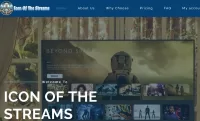
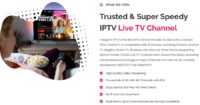
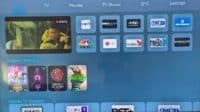
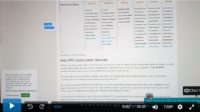
The video tutorial above breaks everything down on the Tesla Streaming website for your understanding. Many questions are answered, including the benefits and more. You will find more links to watch other video tutorials below, such as how to register, install the app on the Firestick, etc. This IPTV service supports both the Nora Go and XPlay apps.
Nora Go App – Device Compatibility:
- Android Devices (TV, Box, Phone, Tablet, etc.)
- Devices with Android OS (Firestick, Fire TV, Fire Cube, NVIDIA Shield) ***Must sideload the APK version of the App
- iOS/Apple Devices (iPad, iPhone, Apple TV)
- Computers (MacOS, Windows)
- Smart TVs (Samsung, LG, Sony–maybe)
XPlay App – Device Compatibility:
- Same devices as NoraGo
- Roku
NOTE: XPlay does not need sideloading to the Firestick Fire TV, or Fire Cube, which requires extra steps. You can find it in the Amazon App Store to download and install.
Click Here to Register, Subscribe, and Get Activated
Find Links to Other Video Tutorials Below…
How to Register for the Trial or Subscription
How to Install Tesla Streaming-Nora Go on Firestick
Watch Tesla Streaming-NoraGo on Firestick
How to Download/Install Tesla Streaming-XPlay on Fire Stick
Watch Tesla-XPlay on Fire TV Stick

I’m an Internet TV researcher, tester, reviewer, and enthusiast that enjoys sharing and delivering information to like-minded individuals interested in watching TV online using their smart TVs and streaming devices.